
1
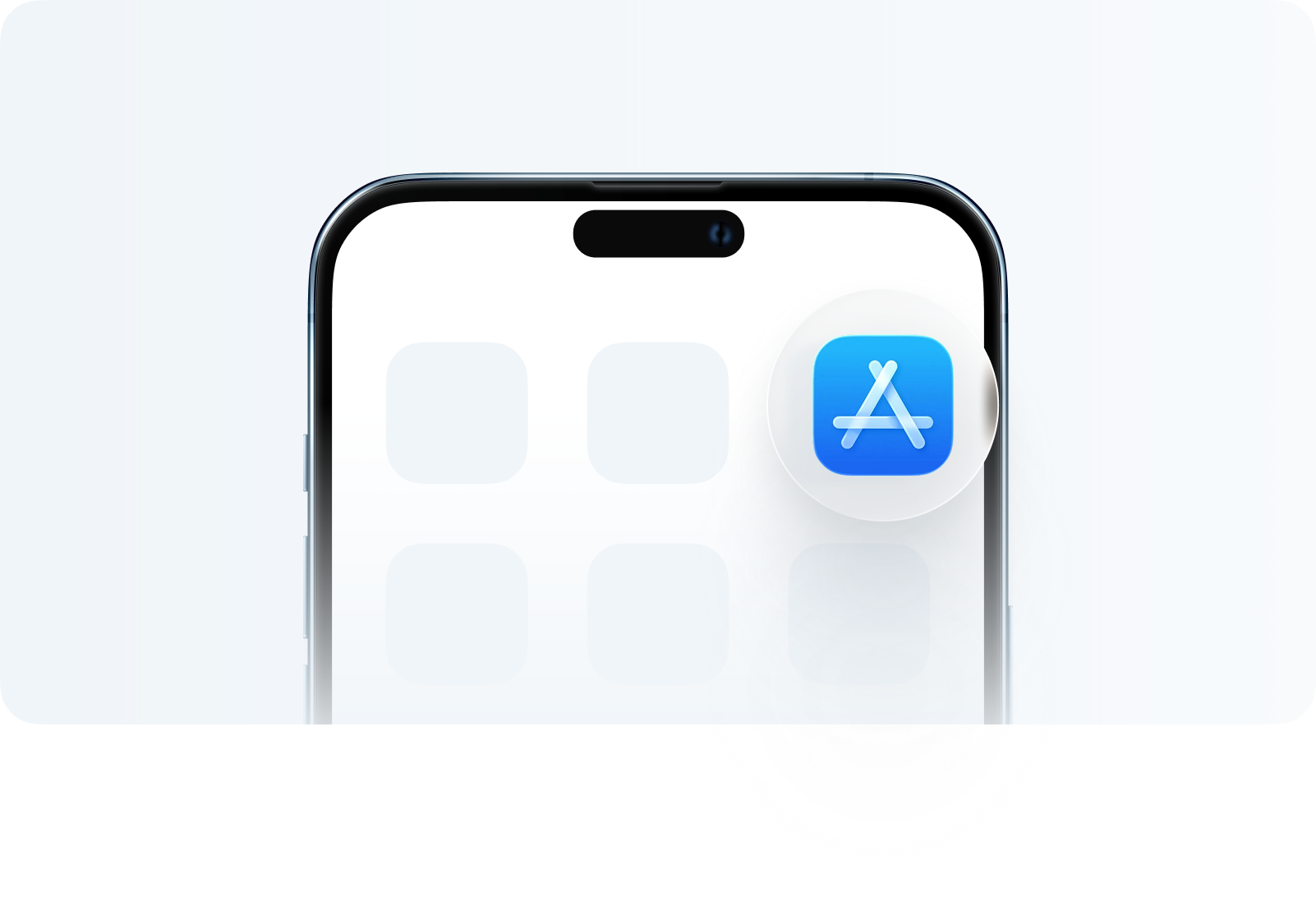
Go to the App Store
After completing those steps, you should now be able to download the Trade W App!
After completing those steps, you should now be able to download the Trade W App!
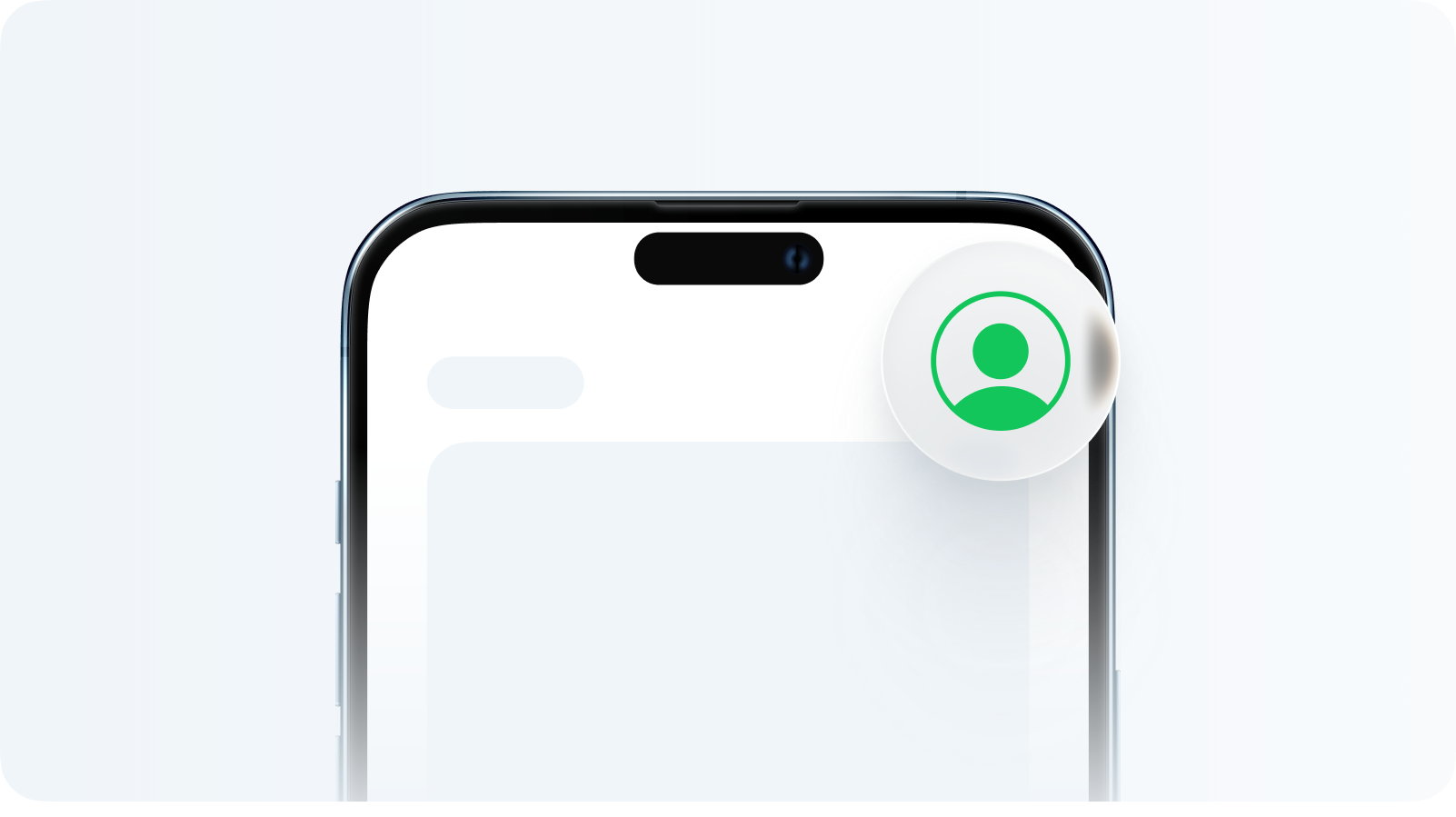
After completing those steps, you should now be able to download the Trade W App!
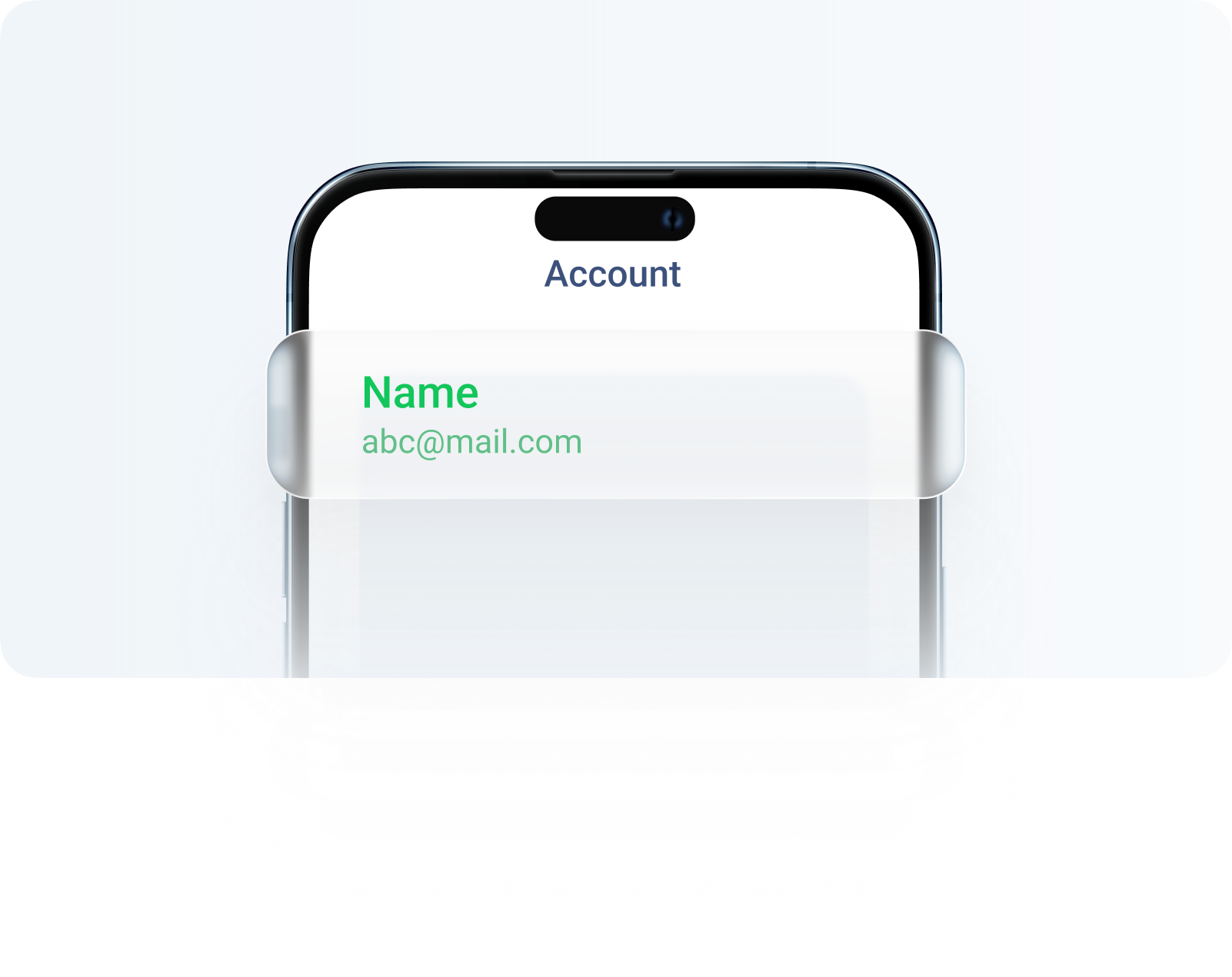
After completing those steps, you should now be able to download the Trade W App!
For a comprehensive list of countries/regions where the Trade W App is available.
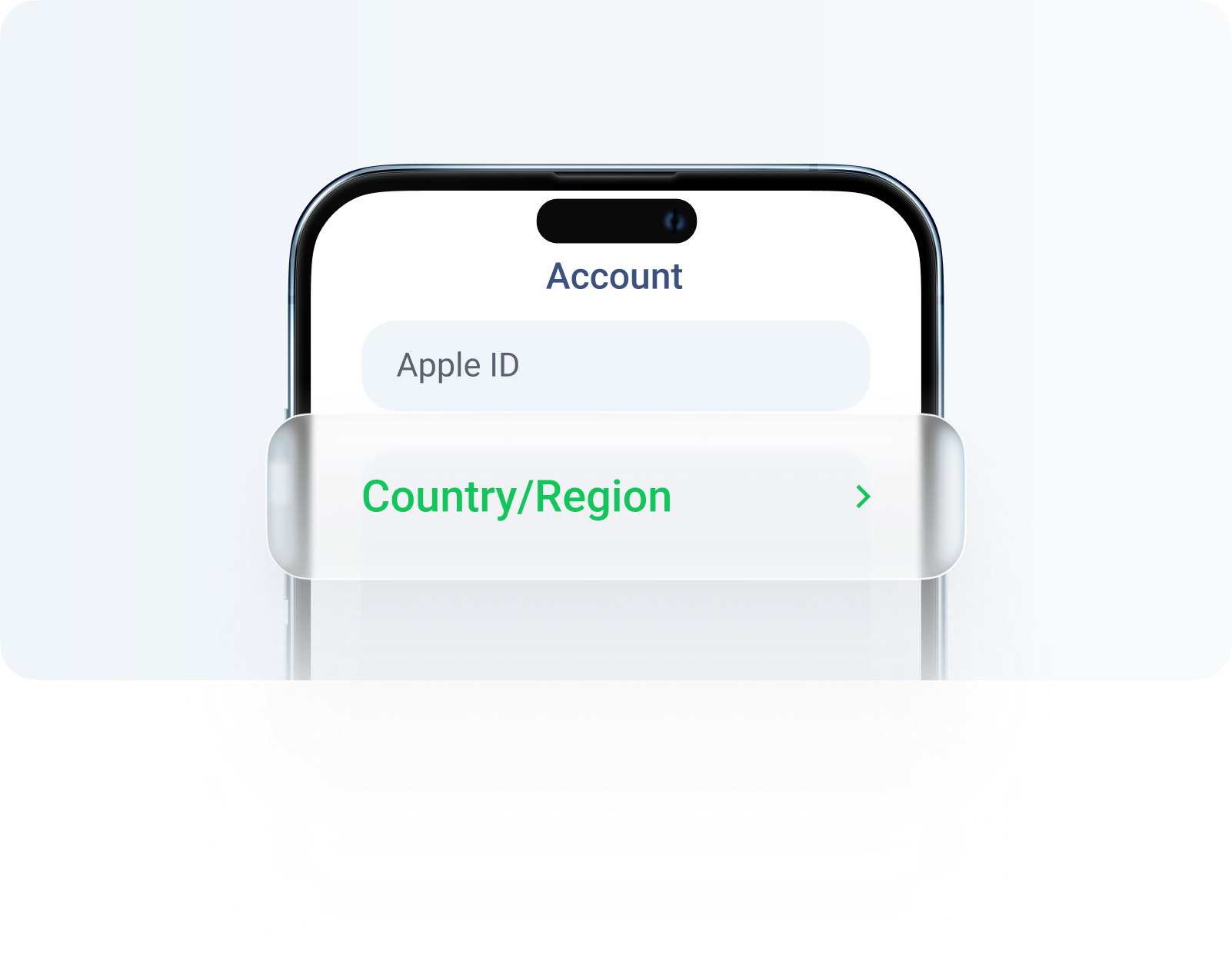
After completing those steps, you should now be able to download the Trade W App!